Multi-item orders
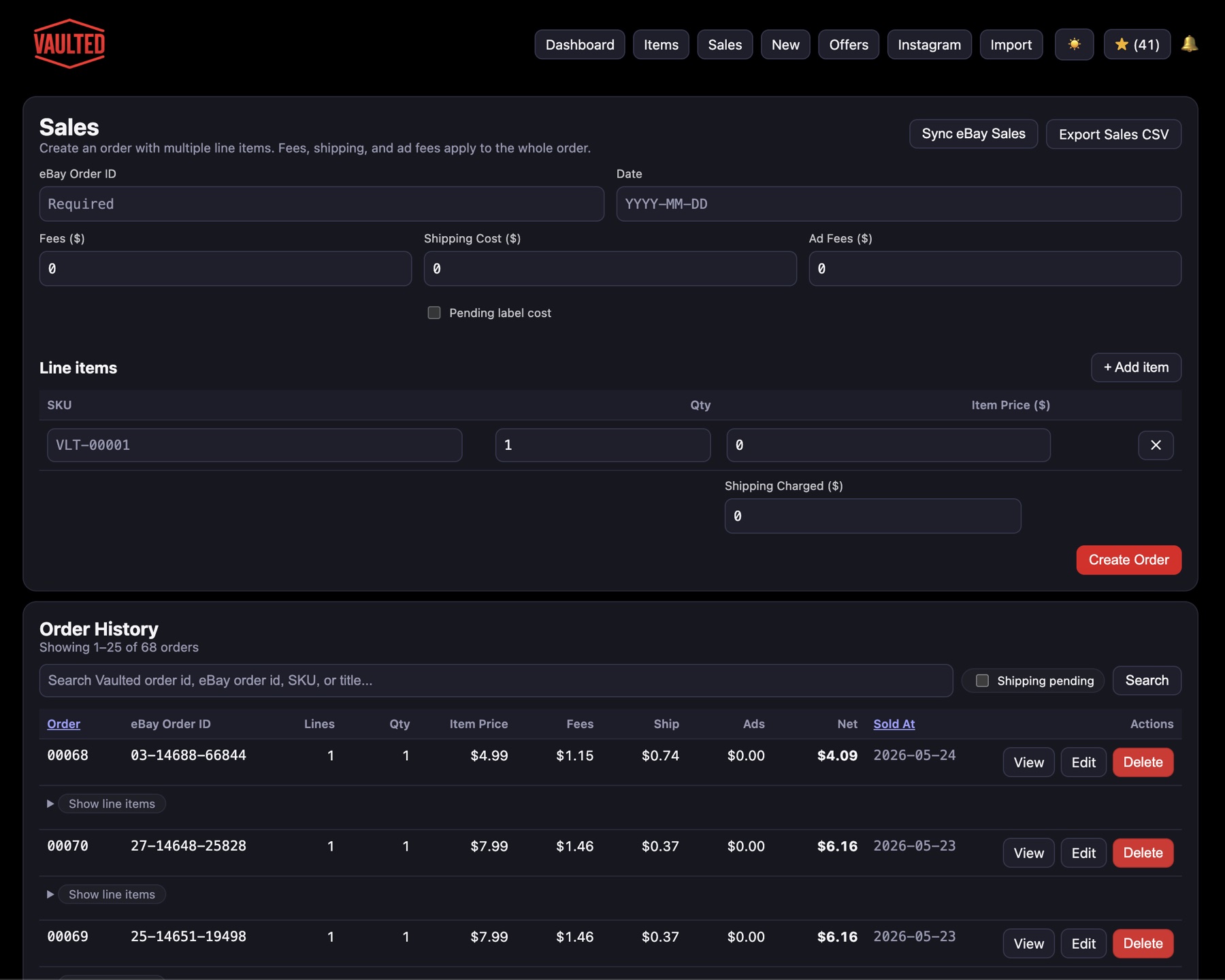
Keep several card line items together while applying order-level fees and shipping.
 Early Access
eBay sales and profit tracker
Track card sales with item revenue, eBay fees, advertising, shipping charged, shipping cost, inventory cost, and net profit connected to each order.
Revenue is not profit
Card sellers need a clear view of the costs between the buyer’s payment and the money that remains.
Keep several card line items together while applying order-level fees and shipping.
Search past transactions by order ID, eBay order, SKU, or title.
Review gross sales, net profit, margin, fees, ads, shipping, units, and inventory value.
From eBay order to business insight
Sales reporting becomes more useful when it starts with reliable inventory and ends with the full cost of fulfillment.
Bring in the order details and match each sold card to its SKU.
Add marketplace fees, advertising, postage, and shipping charged.
Subtract inventory and selling costs from the order revenue.
Compare margins, time to sell, price bands, and sourcing results.
Understand the real result
Join VAULTED early access and help shape profit reporting for independent eBay card sellers.